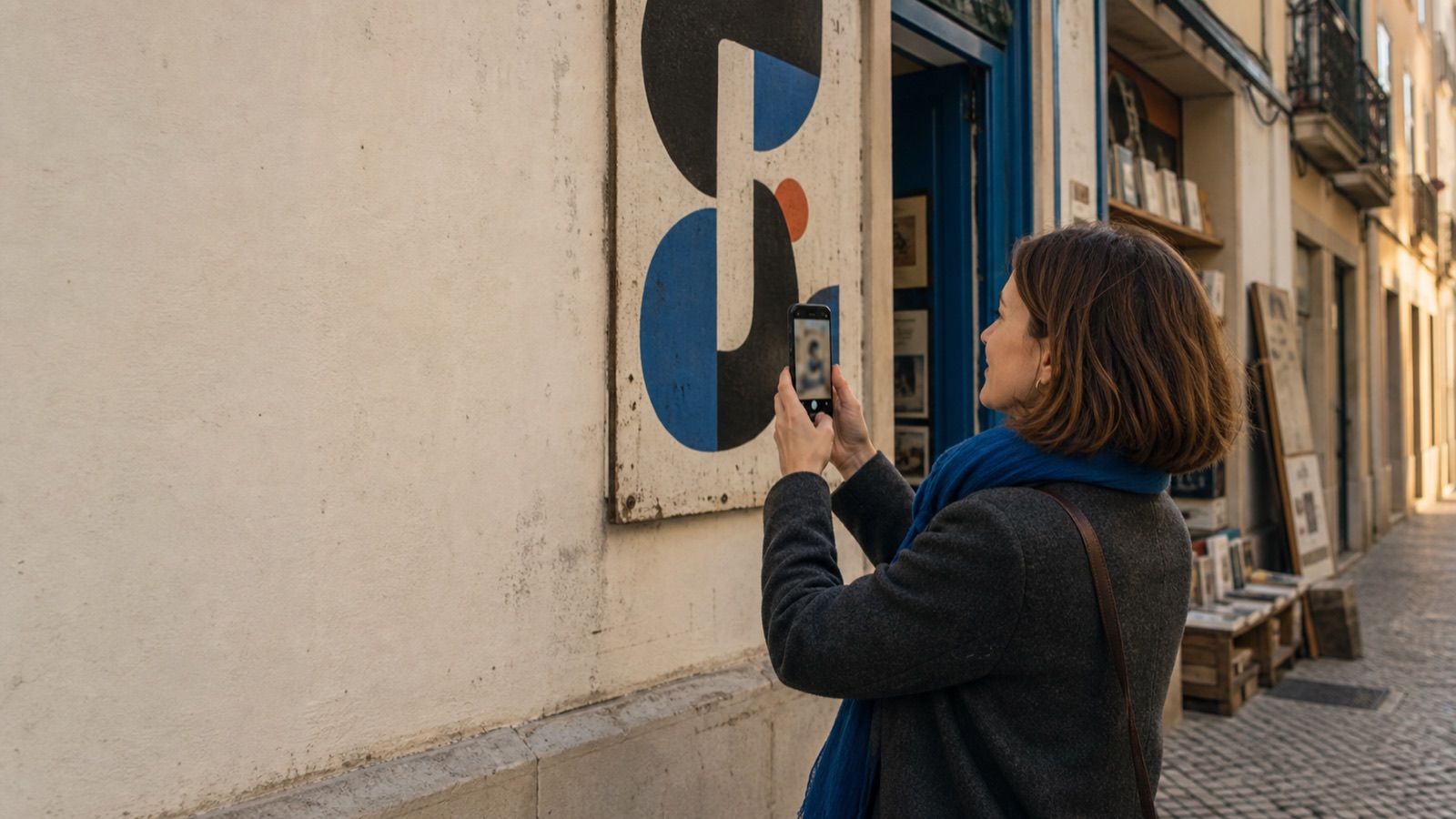
Woman photographing a large painted letterform on a city wall with her phone

AI font identifier

Identify any font from a photo

Snap a photo or pick a screenshot, and Font Snap identifies the typefaces in it — with each font’s designer, foundry, release year, license and where to get it, plus close alternates when fonts look alike.

  • Works from photos and screenshots
  • Designer, foundry and license
  • Close alternates when fonts look alike

Results are AI best guesses. Always confirm a font’s license with its publisher before commercial use.

What you get

More than a font name

Font Snap tells you what the typeface is, who made it, whether you can use it, and what to try if it isn’t an exact match.

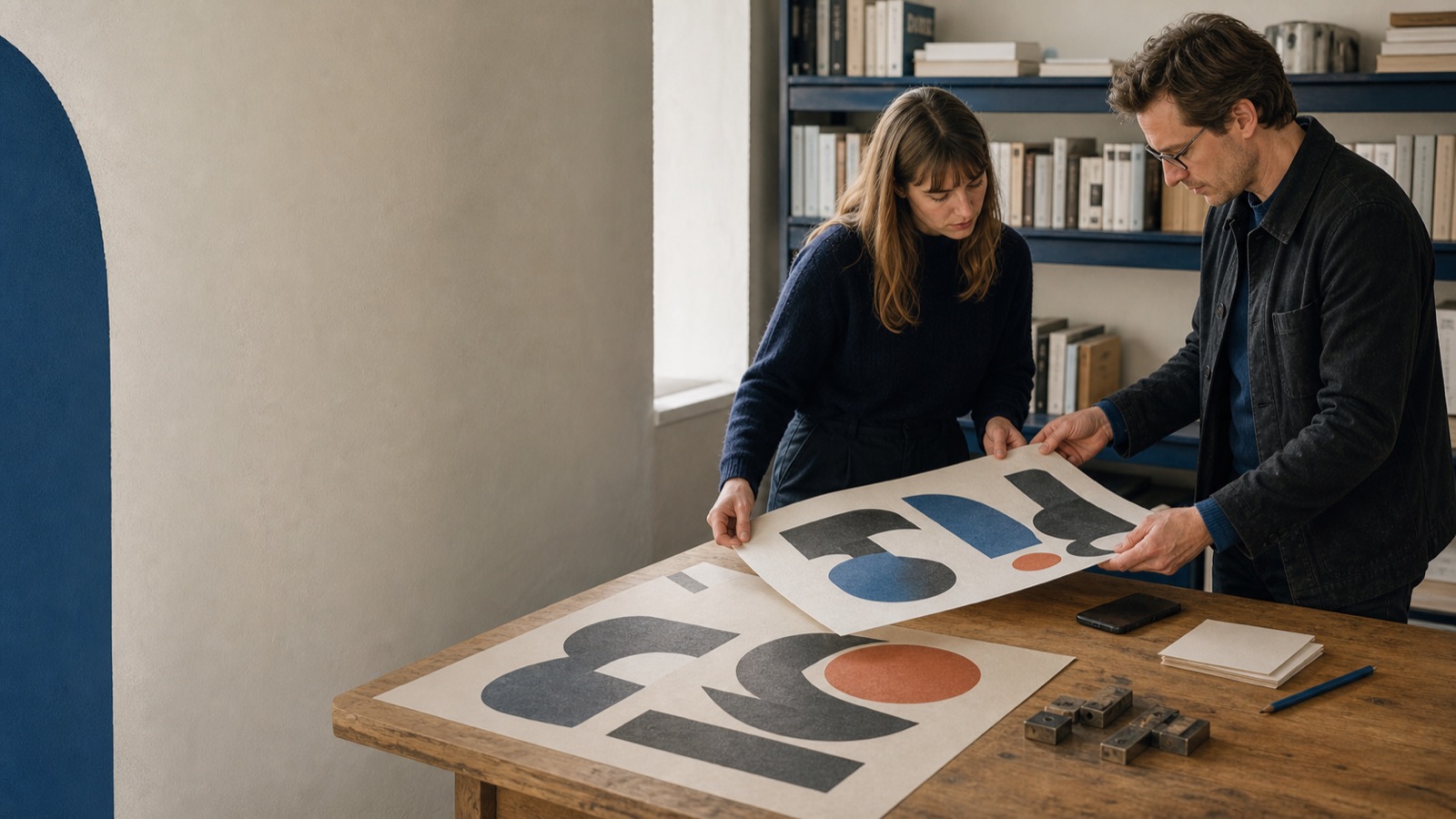
Two designers comparing large printed letterform posters on a table
01

Identify fonts from any image

Photograph a poster, sign, menu or book cover, or pick a screenshot. Font Snap reads the letterforms and ranks the most likely typefaces.

Each match is labelled as a strong match, a likely match, or a look-alike group, so you know how sure the result is.
02

The details behind each font

See each typeface’s category, designer, foundry, release year and license, with links to where you can get it.

The license field is a starting point — confirm the terms with the foundry before commercial use.

03

Close alternates

When several families look alike in your photo, Font Snap shows the close relatives too, most likely first.

Useful for finding an affordable or open-source look-alike when the original is out of reach.

04

Typography assistant

Ask about type families, free alternatives or font pairing, and get an answer right away.

A Knowledge Centre in the app also covers type families, anatomy and history.

05

Your font history

Every report is saved on your device. Search it, mark favorites, add notes, and save or share a report as an image.

Delete any report whenever you like.

How it works

From a photo to a font report in three steps

No uploading to a website, no guessing at search terms. Point your camera at the lettering and read the report.

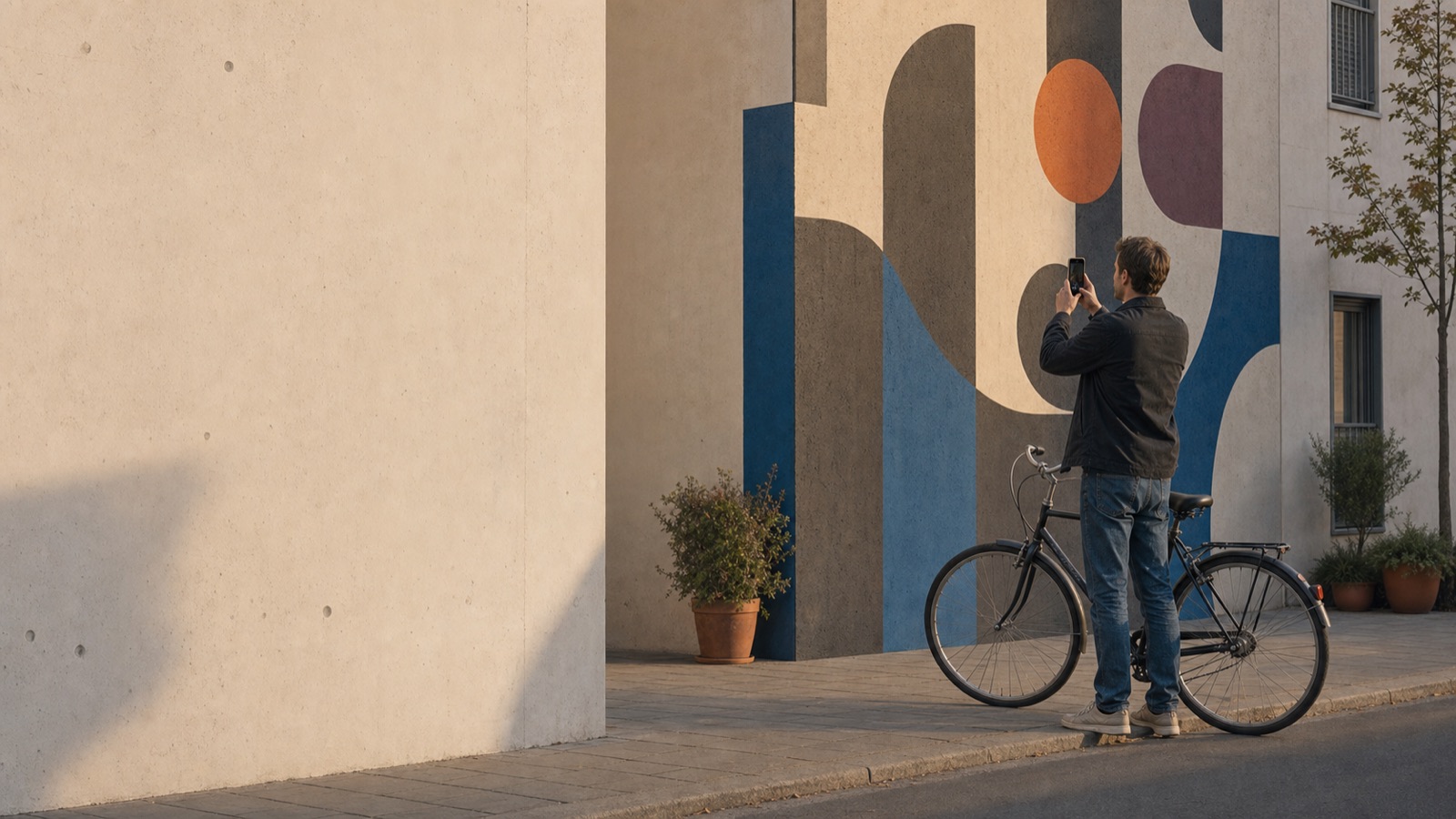
A man with a bicycle photographing a painted lettering mural with his phone
01

Snap the lettering

Point your camera at the text, straight-on and in even light — or pick a photo or screenshot from your gallery.

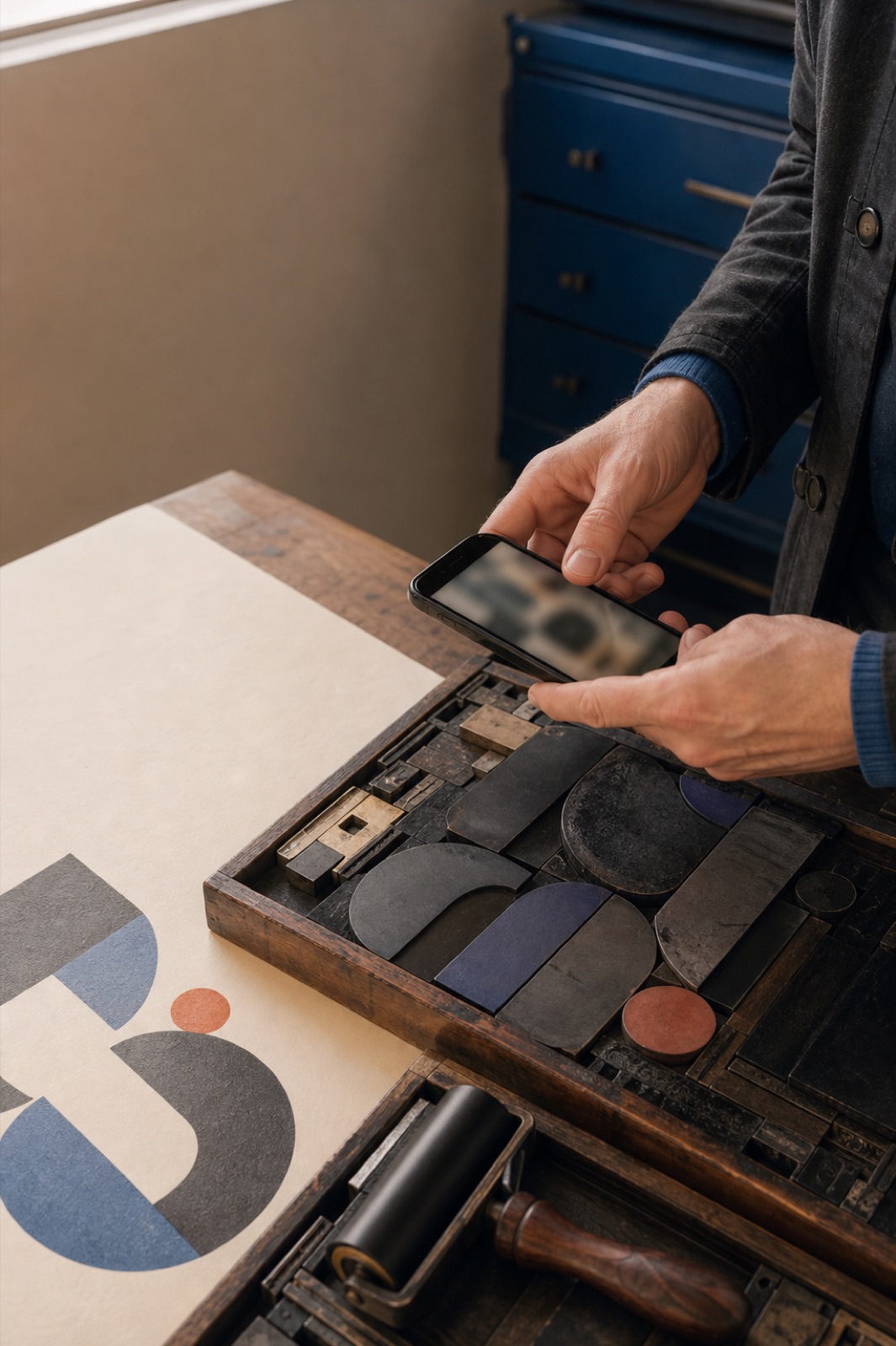
Hands photographing a tray of wooden type pieces next to a printed poster
02

AI reads the letterforms

Font Snap measures the strokes, compares the shapes against typefaces it knows, and narrows it down to the likeliest matches.

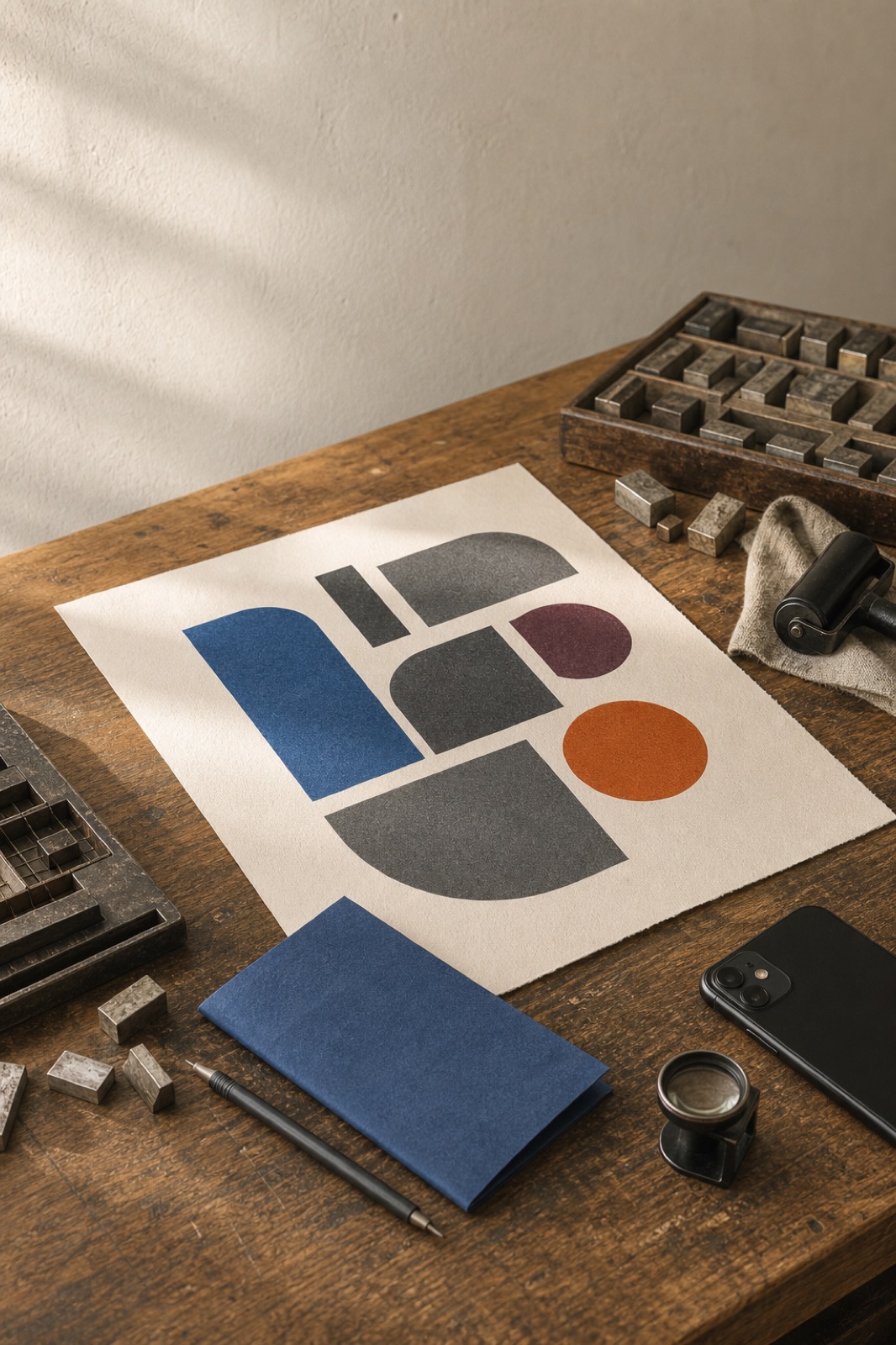
A printed geometric type poster on a wooden desk with a phone and loupe
03

Get your font report

Read the best match and its alternates, with designer, foundry, license and where to get each font — saved to your history.

Free & Pro

Start free, go Pro when you need more

Every day comes with free identifications. Pro is for people who identify fonts as part of their work.

Two women reviewing a printed type specimen together at a workshop table
Free01

Free

Try Font Snap without an account. A set number of free identifications every day, with full font reports.

  • Free identifications every day
  • Full report for every match
  • Try the typography assistant
Download free
Pro02

Font Snap Pro

For designers and creators who identify fonts often.

  • Up to 100 identifications a day
  • Unlimited typography assistant questions
  • Watermark-free saving and sharing
  • Dark mode
See Pro in the app
Included03

Your font library

Free or Pro, every report stays in a private history on your device.

  • Search, favorites and notes
  • Save or share a report as an image
  • In-app Knowledge Centre on typography
Build your library

Typography Guides

Find the font, then use it right

Short, practical guides to identifying typefaces from images, telling type styles apart, and checking a font’s license before you use it.

Explore all guides
FAQ

Questions before your first snap

Straight answers about how identification works, how accurate it is, and what happens to your photos.

Font Snap

Never wonder “what font is that?” again

Snap the lettering, get the typeface, its foundry and its license — and keep every report in your history.

Font Snap gives AI best-guess results. It does not grant a license to any font it identifies.